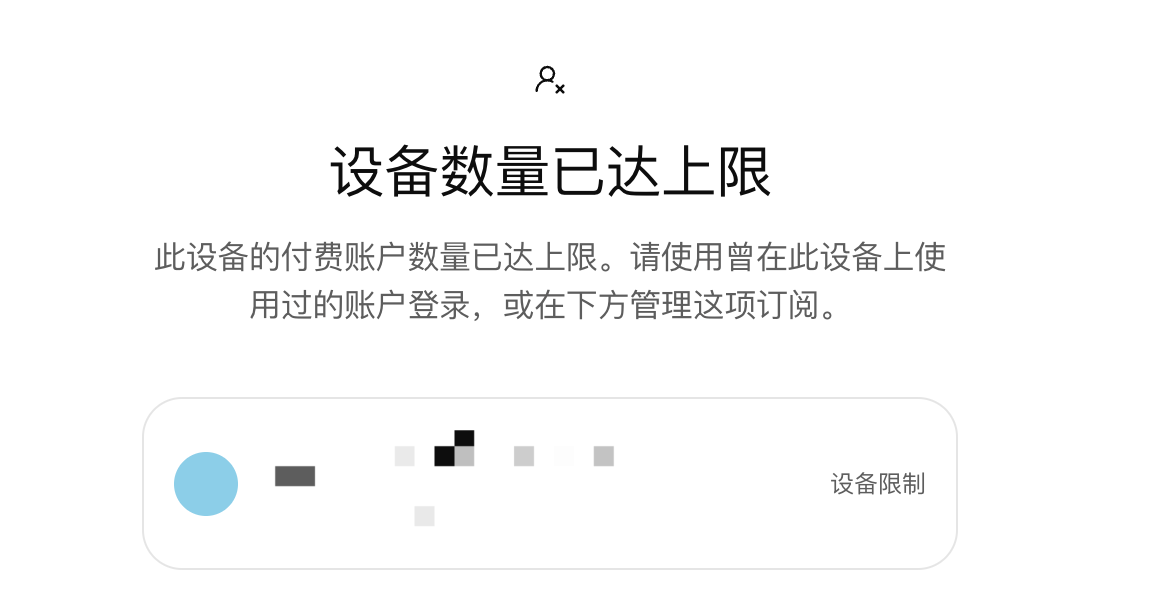
Codex device limit at sign-in? Try clearing cache and cookies
Community experience · 2026-11-15
The site owner reports that clearing browser cache and cookies, then signing in again, restored access after a paid-account device limit message.
1. In the browser used to sign in, clear the cache and cookies. 2. Return to Codex and sign in again.
This is a community experience, not a verified explanation of the limit. The exact trigger is unknown. Clearing cookies signs you out and you will need to sign in again.