Claim in ChatGPT, use on API Platform, verify under Credit grants, then spend on useful work.
1. What is the offer?
Eligible paid ChatGPT Pro and Business subscriptions include API credit grants. A full monthly period provides $100 / $200 / $500 for the corresponding Pro tiers. Business pools $20 per paid Standard seat and $100 per paid Premium seat, capped at $500 per workspace per month. Plus is not included.
The paid subscription must be at least 7 days old. The first amount is prorated to the remaining paid term; unused grants expire at the billing-cycle boundary. Annual Business billing follows its annual grant cycle. The offer must also be available to your account and country.
What if I stop renewing? Future grants stop when eligibility ends. Merely switching off renewal does not immediately remove an existing grant; use it before its recorded expiry. Unused promotional credit is not carried forward.
A plan-change example reported by the owner: the account moved from Pro 100 to Pro 200 on October 10 and received $81 on its first claim on October 29. A first grant is prorated to the remaining current billing period rather than automatically matching the new tier’s full-month allowance. The $81 amount is this account’s example, not a fixed Pro 200 grant; check the claim screen and Credit grants for the actual amount and expiry.
2. How do I claim?
- Open ChatGPT Settings → Billing ↗, find the monthly API benefit and choose Link organization. Business owners use their workspace billing settings.
- Sign in to API Platform with the same email as the eligible ChatGPT subscription. You must own the receiving API organization; for Business, you must own the workspace too.
- Check the receiving organization, displayed amount and expiry, then finish activation. An eligible plan alone is not proof that a grant was issued. An alternative entry is the API Platform organization’s Billing page.


3. Where can I use it?
Use API Platform ↗: try the playgrounds or use that organization’s project API key in your own app. Eligible API charges include text/code, agents, images, voice and tools. The benefit excludes Codex usage through API keys and adds no ChatGPT or signed-in Codex allowance. Model access and request/token limits still apply.
4. Where do I check the grant and spending?
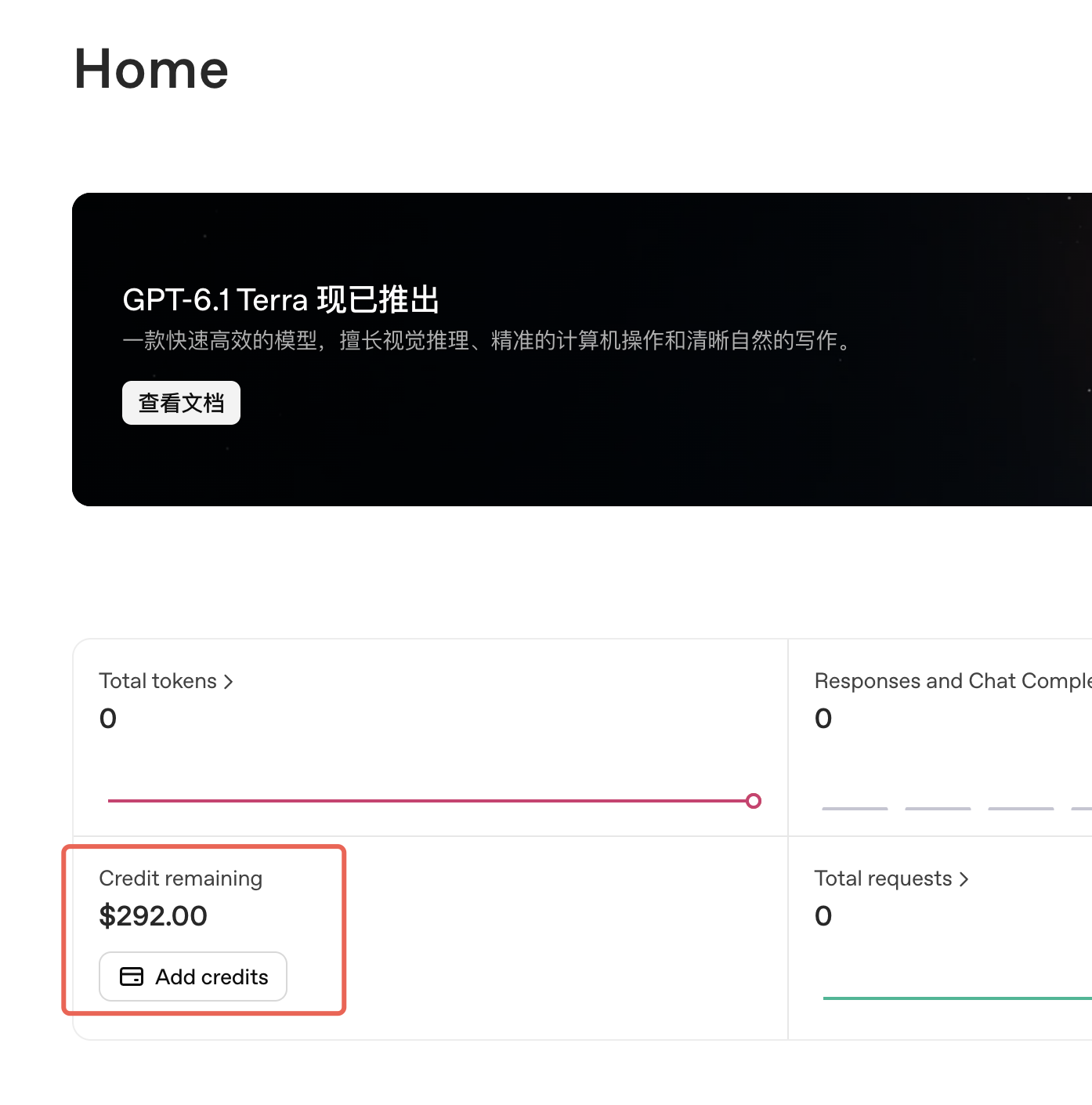
- Home ↗: a quick view of remaining organization credit.
- Billing overview ↗ → Credit grants ↗: verify the receiving organization, each grant’s amount and expiry. A Home balance is not necessarily this benefit alone.
- Usage ↗: inspect requests and costs. Reported usage cost and cash charged after credits are different measures.
5. What gives the best practical value?
Start with work you would otherwise pay for. The following suggestions draw on community discussion.
- Images: illustrations, product assets and editing. Try a small batch first, then refine. Flare targets fast everyday generation; Sunburst emphasizes editing precision. Use the image guide ↗ for supported quality, size and transparency settings.
- Transcription: meetings, interviews and subtitles. At the listed $0.0045 per minute for GPT-Transcribe, an actual $100 balance represents roughly 370 hours of transcription alone; summaries and other calls cost extra.
- Small apps: extraction, classification, summaries and lightweight workflows. Start with a lower-cost model such as GPT-6 Luna and upgrade where quality requires it. Put budgets on longer agent jobs.
Use the current price list ↗ and your Usage records for estimates. Grants are spent before purchased credits; paid usage can continue after a grant is exhausted if another paid balance exists.
Official benefit rules ↗ · Developer guide ↗
Compiled from the owner’s community material and current official documentation. Screenshots are examples; account eligibility, grant amount and expiry may differ. This guide does not claim that an API client has stronger reasoning than a subscription.